mirror of
https://github.com/qmk/qmk_firmware.git
synced 2026-09-07 10:53:17 +02:00

1.1 KiB
1.1 KiB
SINGA Stinga (PCB designed by Zeix)
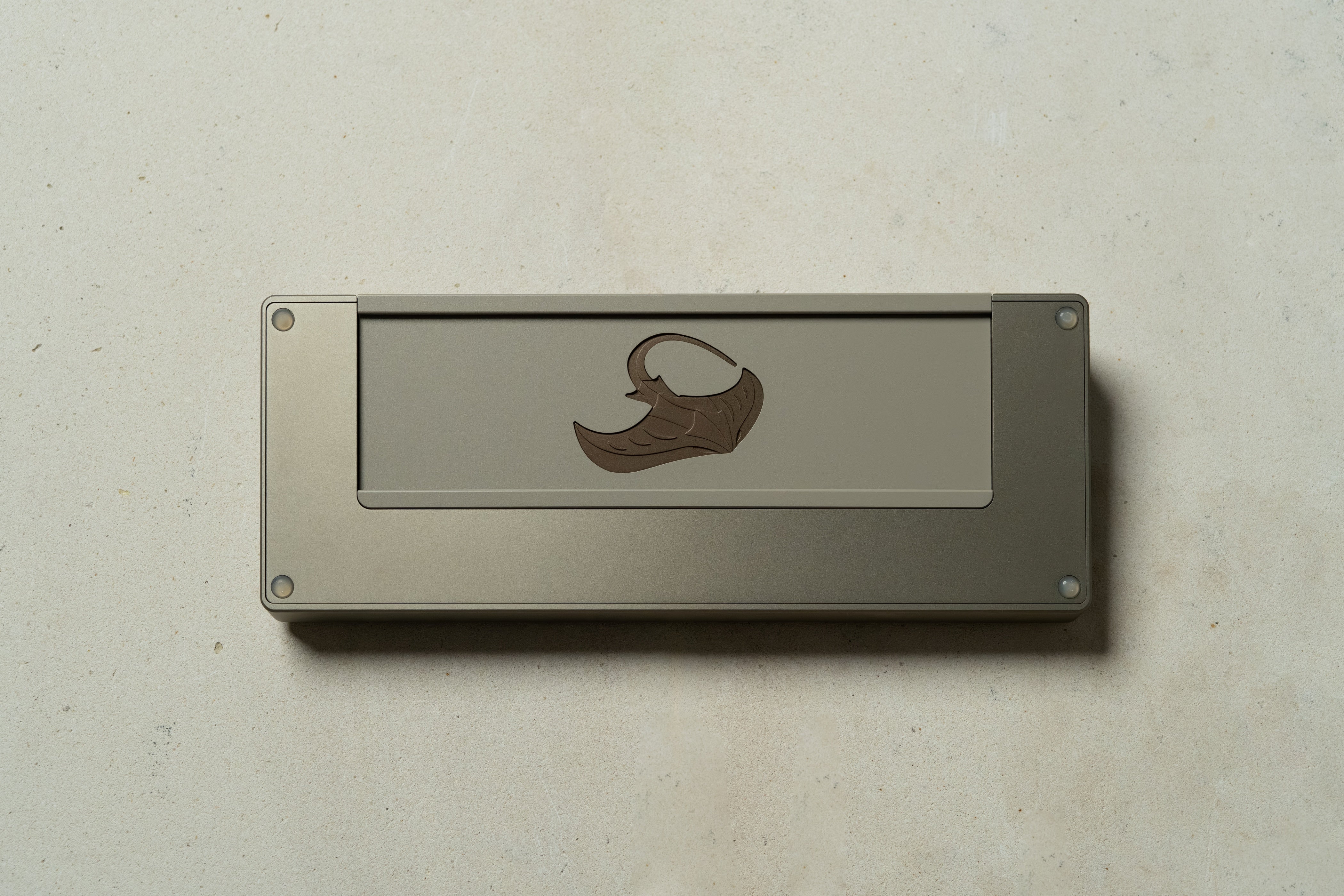
60% PCB designed to support Stinga.
- Keyboard Maintainer: Zeix
- Hardware Supported: Singa Stinga (PCB designed by Zeix)
- Hardware Availability: https://singakbd.com/
Make example for this keyboard (after setting up your build environment):
make zeix/singa/stinga:default
Flashing example for this keyboard:
make zeix/singa/stinga:default:flash
See the build environment setup and the make instructions for more information. Brand new to QMK? Start with our Complete Newbs Guide.
Bootloader
Enter the bootloader in 3 ways:
- Bootmagic reset: Hold down the top left key and plug in the keyboard.
- Physical reset button: Briefly press the
RESETbutton twice or short the 'USB_BOOT' andGNDpads and plug in the keyboard. - Keycode in layout: Press the key mapped to
QK_BOOT.